
Best Free Keyword Research Tools That Aren’t Ahrefs
The best free keyword research tools that aren’t Ahrefs are Google Keyword Planner, Google Trends, Ubersuggest, AnswerThePublic, and Keyword Surfer. These tools help bloggers, small business owners, and content creators discover high potential keywords without paying for premium subscriptions.
They provide search volume data, competition insights, trending topics, and question based ideas that make it easier to create content that ranks in Google and appears in AI generated answers.
Why Free Keyword Research Tools Matter for SEO Success 🤔
Keyword research is the foundation of any strong SEO strategy.Finding the right keywords helps you understand what your audience is actually searching for, reduces competition, and increases your chances of ranking on the first page of Google.
While paid tools like Ahrefs offer deep data, many creators and beginners need reliable free options that deliver real results. The tools listed down are completely accessible without payment (some with daily limits) and focus on practical insights you can use immediately.
1. Google Keyword Planner 👉 The Most Reliable Free Option
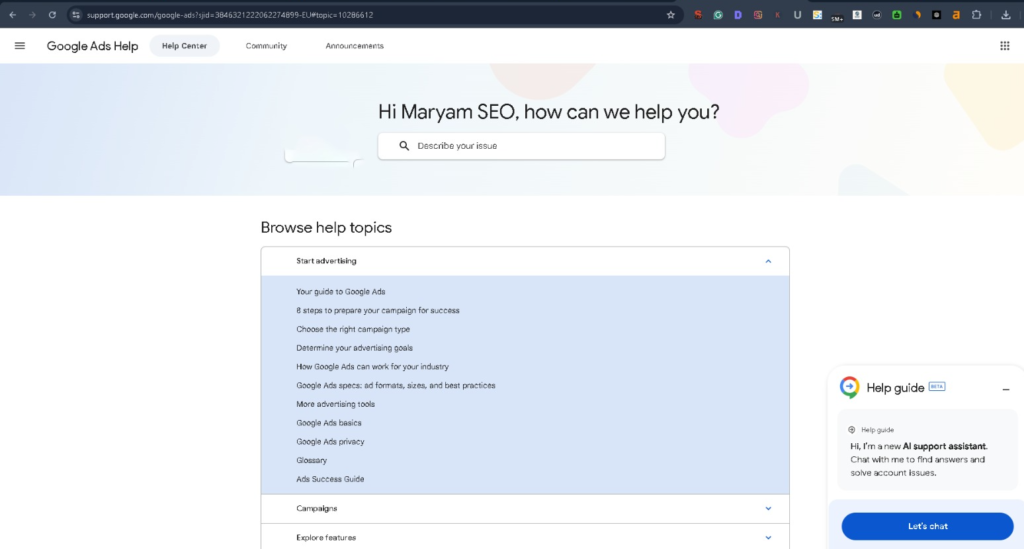
Google Keyword Planner is one of the most accurate free keyword research tools because it comes directly from Google. It shows monthly search volumes, competition levels (low, medium, high), and suggested big amounts for paid ads which indirectly tells you keyword value.
How to use it effectively:
- Sign in with a Google Ads account (free to create).
- Enter seed keywords related to your niche.
- Filter by location, language, and search networks.
- Look for keywords with decent search volume and low-to-medium competition.
This tool is perfect for finding long tail keywords that are easier to rank for, especially for new websites.
2. Google Trends 👉 Discover What’s Rising
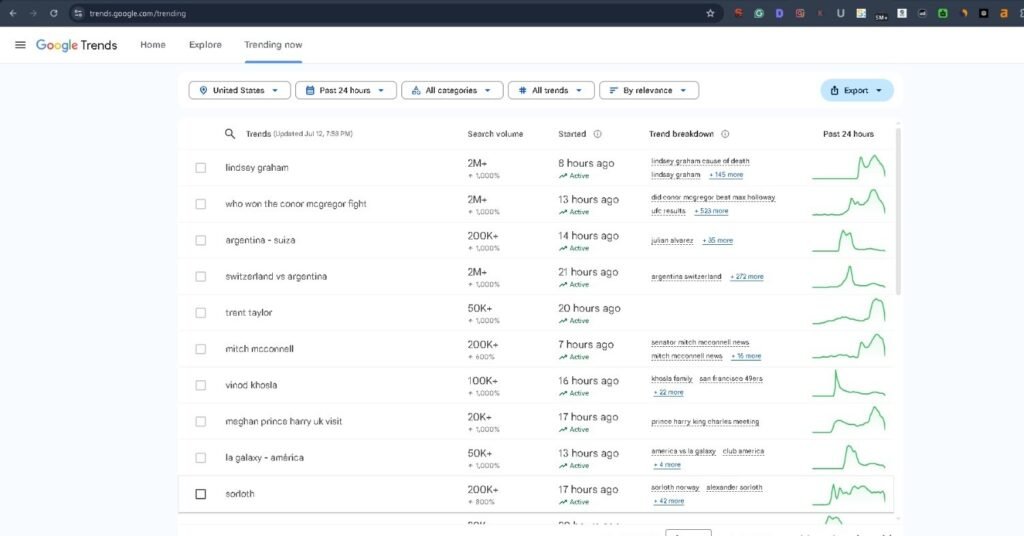
Google Trends reveals how popular a topic or keyword is over time. It’s excellent for spotting seasonal trends, comparing multiple keywords, and understanding regional interest.
Best ways to use Google Trends:
- Compare up to five keywords at once.
- Check “Rising” searches to find emerging opportunities.
- Explore related queries and topics.
- Use it alongside Keyword Planner to validate demand.
It helps you create timely content that can rank quickly in Google’s fresh content signals and appear in AI overviews.
3. Ubersuggest 👉 Simple Yet Powerful Free Tier
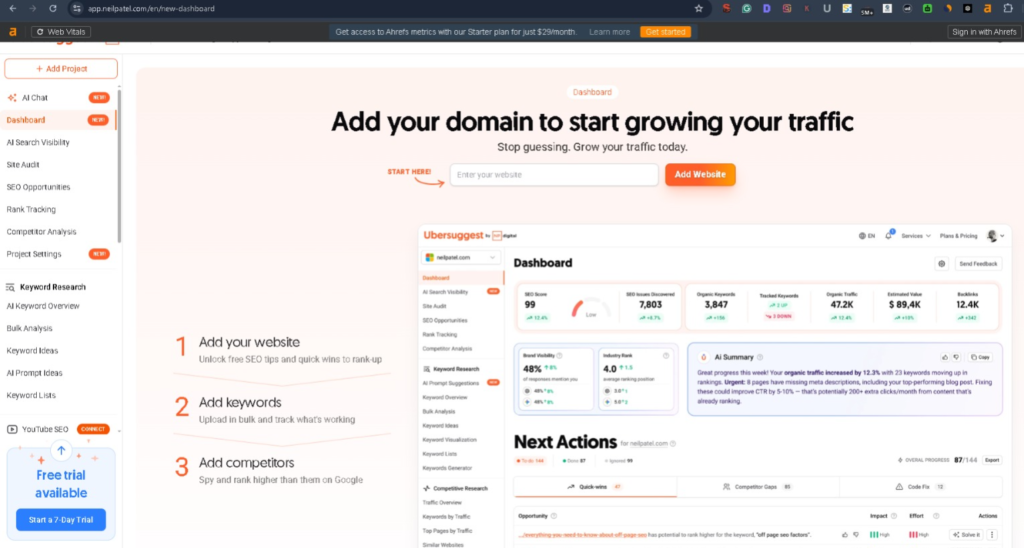
Ubersuggest by Neil Patel offers a generous free version that provides keyword ideas, search volume, SEO difficulty scores, and content ideas. It’s very user friendly for beginners.
Key features you’ll love:
- Keyword overview with volume and difficulty.
- Content ideas section showing top ranking pages.
- Related keywords and questions.
- Backlink data on top pages (limited free uses).
It’s great for finding keywords where you can realistically compete, especially when combined with Google tools.
4. AnswerThePublic 👉 Master Question-Based Keywords

AnswerThePublic visualizes search questions and phrases people use around your main keyword. It’s fantastic for creating FAQ sections, how-to guides, and conversational content that performs well in featured snippets and AI answers.
How it helps your ranking:
- Generates “who, what, when, where, why, how” questions.
- Shows autocomplete suggestions.
- Provides comparison and preposition based phrases.
- Helps you build comprehensive content that satisfies user intent.
This tool is particularly useful for voice search optimization and appearing in Google’s People Also Ask sections.
5. Keyword Surfer 👉 Real-Time Chrome Extension
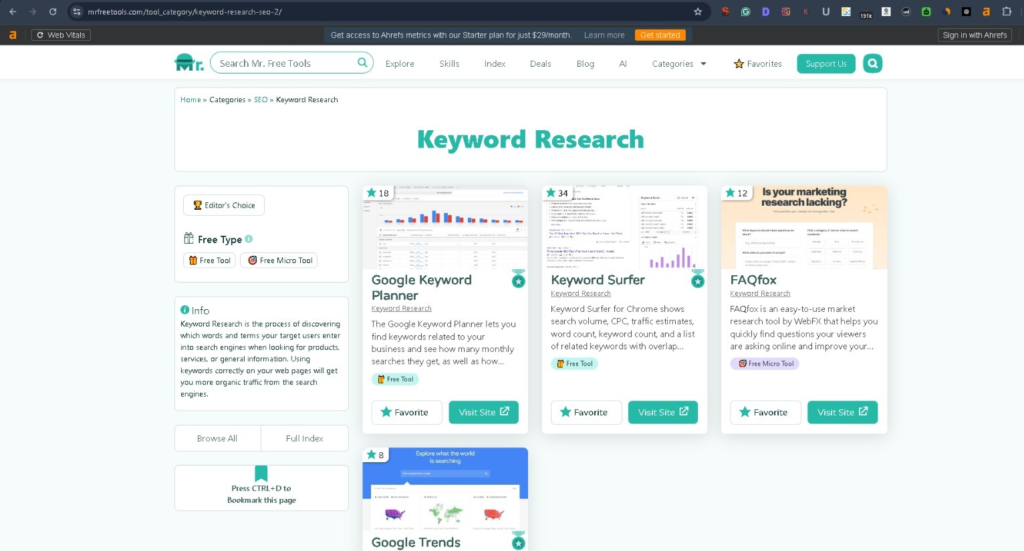
Keyword Surfer is a free Chrome extension that shows search volume and related keywords directly on Google search results. It’s incredibly convenient for quick research while browsing.
Advantages:
- Instant data without switching tabs.
- Shows keyword difficulty and global volume.
- Related keywords and top pages.
- SERP overview for quick competition analysis.
It speeds up your workflow and helps you discover keywords while researching competitors.
Comparison Table of Free Keyword Research Tools
| Tool | Best For | Search Volume | Competition Data | Daily Limits | Ease of Use |
|---|---|---|---|---|---|
| Google Keyword Planner | Accurate volumes & planning | Yes | Yes (Low/Med/High) | None | Medium |
| Google Trends | Trends & seasonality | Relative | No | None | Easy |
| Ubersuggest | Overall keyword insights | Yes | Yes | Limited | Very Easy |
| AnswerThePublic | Questions & content ideas | No | No | Limited | Easy |
| Keyword Surfer | Quick in-SERP research | Yes | Yes | None | Very Easy |
Pro Tips to Rank Faster with These Tools
- Combine tools: Start with Google Trends for ideas, use Keyword Planner for data, and AnswerThePublic for content angles.
- Focus on long tail keywords: These have lower competition and higher conversion rates.
- Understand user intent: Create content that fully answers the search query.
- Track performance: Use Google Search Console (free) to monitor which keywords are bringing traffic.
- Update regularly: Search trends change, so revisit your keyword list every few months.
So I want to say
These free keyword research tools give you everything you need to find profitable keywords, create valuable content, and improve your Google rankings without spending money on Ahrefs or similar platforms.
Start with Google Keyword Planner and Trends as your foundation, then layer in Ubersuggest, AnswerThePublic, and Keyword Surfer for deeper insights.
Consistent use of these tools, paired with high quality content, will help your blog grow organically and stay visible in both traditional search results and AI-powered answers.
Begin experimenting with one tool today, and you’ll quickly see which keywords have the potential to drive real traffic to your site.
Thank you.