
How to Add FAQ Schema in WordPress [The Easiest Way]
FAQ schema helps search engines understand the question-and-answer sections on your pages. When implemented correctly, it can display your FAQs as rich results in search, increasing visibility and click-through rates.
This guide shows the simplest and most reliable ways to add FAQ schema in WordPress without complicated coding.
What Is FAQ Schema and Why It Matters
FAQ schema is structured data markup that tells search engines a specific section of your content contains questions and answers.
It uses a standardized format (usually JSON-LD) so Google and other engines can parse the information accurately.
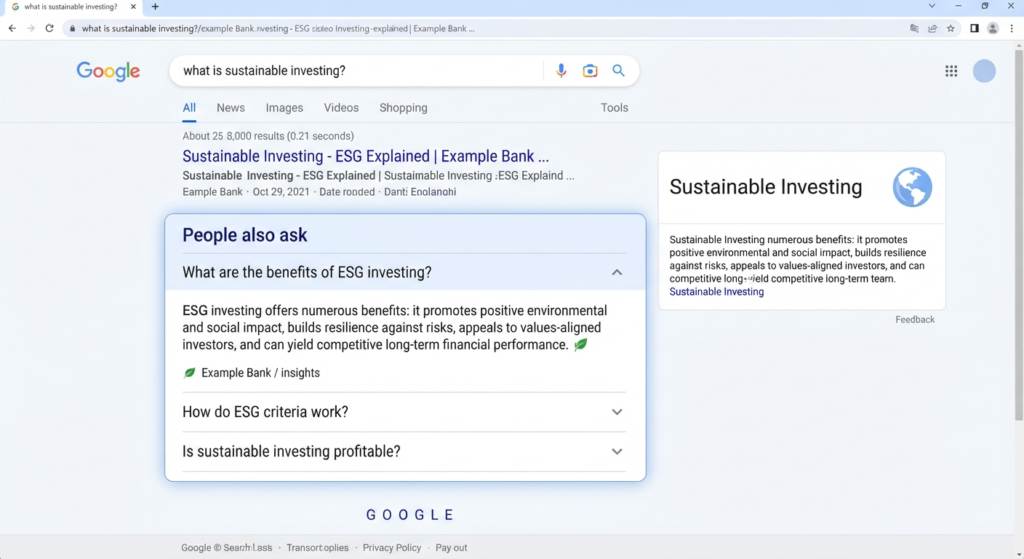
Benefits include:
- Higher chance of appearing in rich results
- Improved visibility for question-based searches
- Better user experience through clear, expandable answers in search
- Potential boost in organic traffic from featured snippets
WordPress does not add this markup automatically, so you need a deliberate method to include it.
The Easiest Way: Use a Schema-Ready SEO Plugin
The simplest approach for most WordPress users is a plugin that generates FAQ schema through a visual interface.
These tools let you add questions and answers directly inside the post or page editor and automatically output the correct structured data.
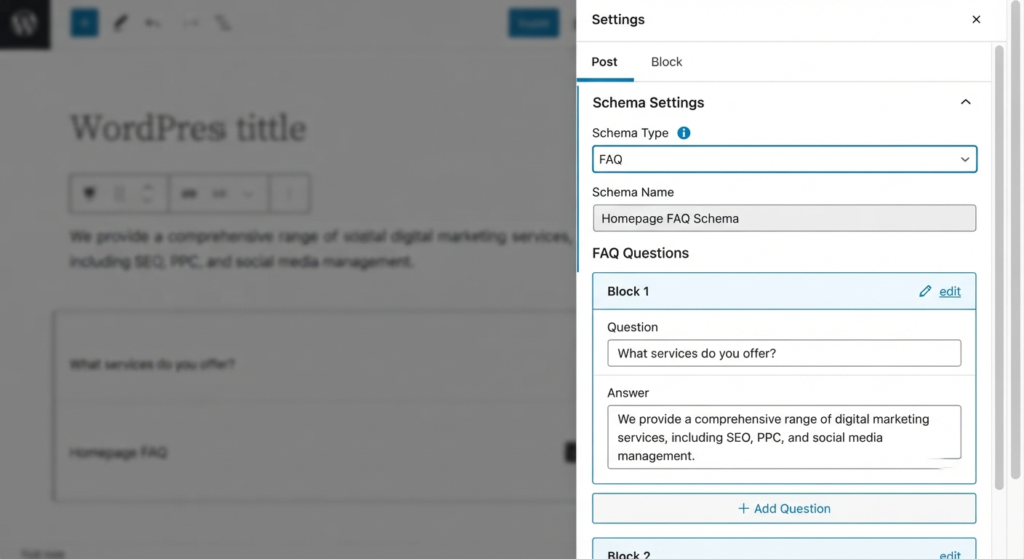
General steps that work with most modern SEO plugins:
- Install and activate a reputable SEO plugin that supports schema markup.
- Open the post or page that contains your FAQ section.
- Locate the schema or structured data settings (usually in a sidebar or meta box).
- Select FAQ as the schema type.
- Enter each question and its corresponding answer in the provided fields.
- Save or update the page.
The plugin then inserts clean JSON-LD code into the page source. No manual coding is required.
| Method | Difficulty | Best For | Technical Skill Needed |
|---|---|---|---|
| SEO Plugin Interface | Very Easy | Most users | None |
| Dedicated FAQ Plugin | Easy | Sites with many FAQs | Low |
| Manual JSON-LD Code | Medium | Full control | Basic HTML knowledge |
| Theme or Block Support | Easy | Block-based sites | Low |
Alternative Easy Method: Dedicated FAQ Plugins
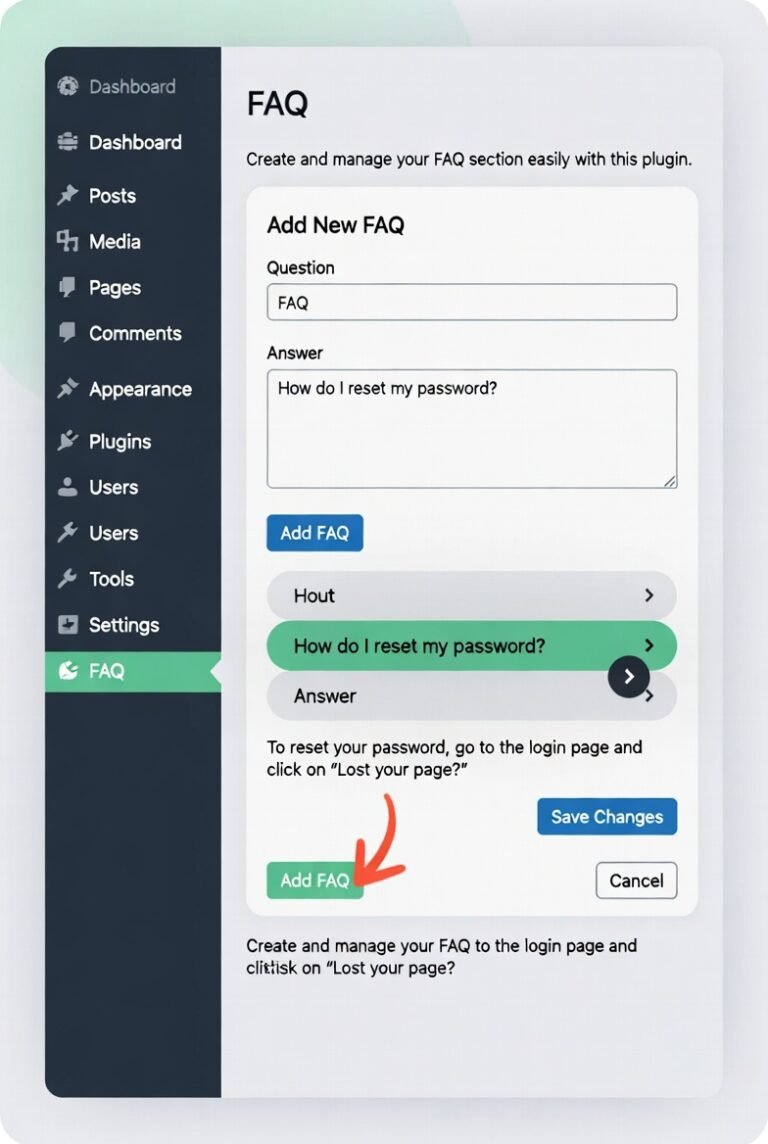
Some plugins focus specifically on creating FAQ sections and automatically attach the proper schema. After installation:
- Create your questions and answers inside the plugin interface.
- Choose where the FAQ block should appear on the page.
- Enable the schema option (usually a simple toggle).
- Publish the content.
This method works well when you want a visually styled accordion or expandable FAQ section in addition to the markup.
Manual Method: Adding FAQ Schema with Code
If you prefer not to use plugins or need complete control, you can insert the JSON-LD code yourself.
- Write your FAQ content on the page in a clear question-and-answer format.
- Generate or write the corresponding JSON-LD script.
- Add the script to the page using one of these options:
- A custom HTML block in the editor
- The theme’s header or footer scripts section
- A code-insertion plugin
A basic structure looks like this (customize with your actual questions and answers):
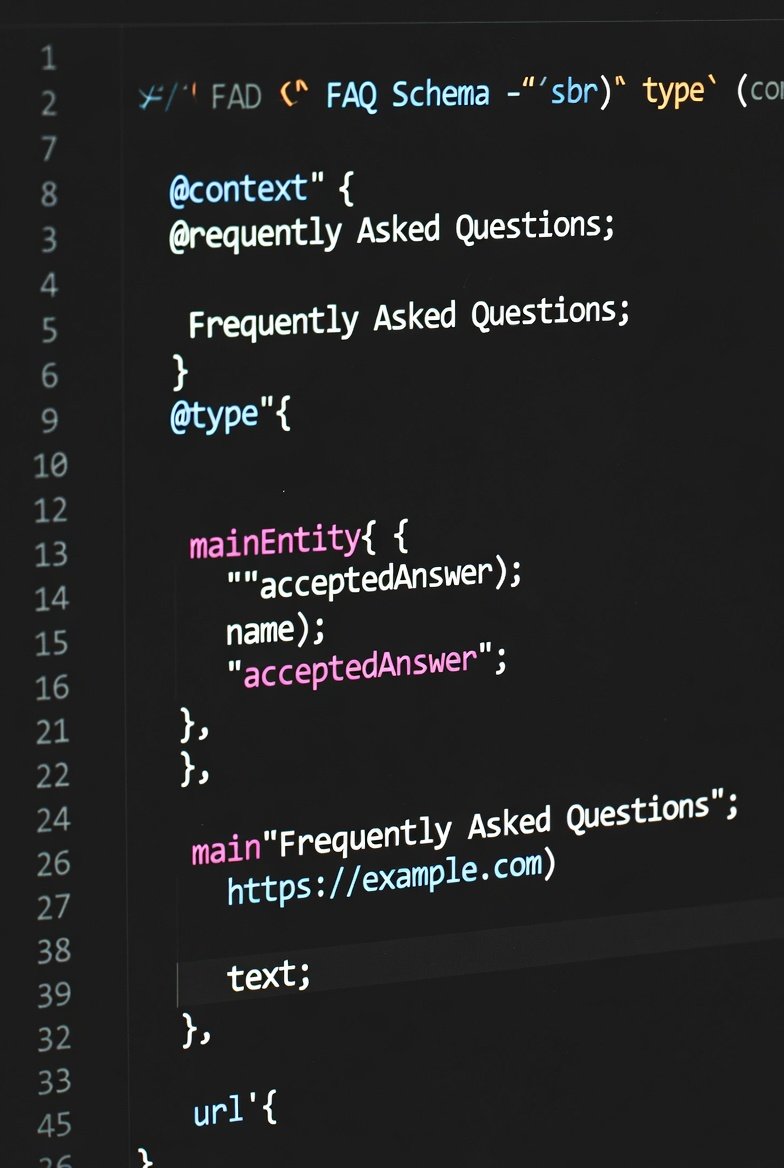
<script type=”application/ld+json”>
{
“@context”: “https://schema.org”,
“@type”: “FAQPage”,
“mainEntity”: [{
“@type”: “Question”,
“name”: “Your first question here?”,
“acceptedAnswer”: {
“@type”: “Answer”,
“text”: “Your detailed answer here.”
}
},
{
“@type”: “Question”,
“name”: “Your second question here?”,
“acceptedAnswer”: {
“@type”: “Answer”,
“text”: “Your second answer here.”
}
}]
}
</script>
Place this code in the page where the FAQs appear. Always validate the markup after adding it.
How to Test Your FAQ Schema
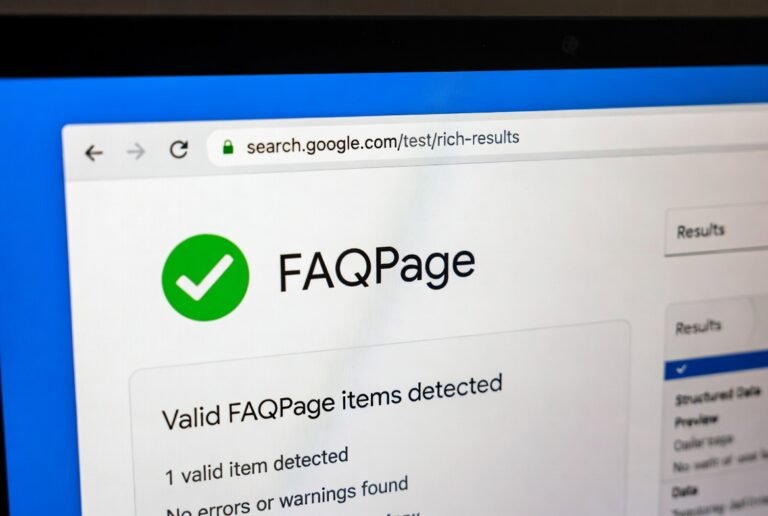
After adding the markup:
- Use Google’s Rich Results Test tool and enter the page URL.
- Check for successful detection of FAQPage schema.
- Review any errors or warnings and correct them.
- Wait a few days and monitor Search Console for rich result impressions.
Best Practices for Strong FAQ Schema

- Match the visible FAQ content on the page exactly with the schema data.
- Keep answers clear, helpful, and free of promotional fluff.
- Limit the number of questions to those that genuinely serve the reader.
- Avoid placing FAQ schema on pages that do not contain actual FAQ content.
- Update the schema whenever you edit the questions or answers.
- Ensure the page loads quickly and remains mobile-friendly.
Common Mistakes to Avoid
- Adding schema without displaying the same questions and answers on the page
- Using incomplete or incorrectly nested JSON-LD
- Overloading a page with too many unrelated FAQs
- Forgetting to test the markup after changes
- Relying on outdated plugins that output invalid schema
Final Recommendation
For the large majority of WordPress sites, the easiest and most reliable method is a quality SEO plugin with built-in schema support. It removes the risk of coding errors, keeps the markup updated, and integrates smoothly with the rest of your on-page optimization.
Start with one important page, add a focused set of FAQs, implement the schema, and validate it. Once you see positive results, expand the approach to other key pages.
Clean, accurate FAQ schema helps both search engines and readers understand your content faster and that clarity is what drives better visibility over time.
FAQ
What is FAQ schema in WordPress?
FAQ schema is structured data markup that tells search engines your page contains a list of questions and answers.
When added correctly, it can help your FAQs appear as rich results in search.
Is FAQ schema still useful in 2026?
Yes. Google continues to support FAQ rich results on eligible pages.
Clear, helpful FAQs that match user search intent can still improve visibility and click-through rates.
What is the easiest way to add FAQ schema in WordPress?
Using a modern SEO plugin with built-in schema support is the easiest method. You simply select the FAQ type, enter your questions and answers, and the plugin generates the correct markup automatically.
Do I need coding knowledge to add FAQ schema?
No. Most SEO plugins and dedicated FAQ plugins allow you to add schema through a visual interface without writing any code.
Can I add FAQ schema manually without a plugin?
Yes. You can insert JSON-LD code directly into the page using a custom HTML block or a code insertion tool. However, this method requires more care to avoid errors.
How many FAQs should I add on one page?
Focus on quality over quantity. Include only the most relevant questions that truly help the reader. Too many FAQs can dilute the value and may look unnatural.
Will FAQ schema guarantee rich results?
No. Schema makes your content eligible, but Google decides whether to show rich results based on relevance, quality, and other ranking factors.
How can I check if my FAQ schema is working?
Use Google’s Rich Results Test tool. Enter the page URL and look for successful detection of FAQPage markup. Also monitor Google Search Console for any related reports.
Should the questions in the schema match the visible content on the page?
Yes. The questions and answers in your schema must accurately reflect the content that users see on the page. Mismatched data can lead to errors or penalties.
Can I use FAQ schema on every page of my website?
It is best to use it only on pages that genuinely contain FAQ-style content. Adding it to pages without real questions and answers is not recommended.
FAQ schema is structured data markup that tells search engines your page contains a list of questions and answers.
When added correctly, it can help your FAQs appear as rich results in search.
Yes. Google continues to support FAQ rich results on eligible pages.
Clear, helpful FAQs that match user search intent can still improve visibility and click-through rates.
Using a modern SEO plugin with built-in schema support is the easiest method. You simply select the FAQ type, enter your questions and answers, and the plugin generates the correct markup automatically.
No. Most SEO plugins and dedicated FAQ plugins allow you to add schema through a visual interface without writing any code.
Yes. You can insert JSON-LD code directly into the page using a custom HTML block or a code insertion tool. However, this method requires more care to avoid errors.
Focus on quality over quantity. Include only the most relevant questions that truly help the reader. Too many FAQs can dilute the value and may look unnatural.
No. Schema makes your content eligible, but Google decides whether to show rich results based on relevance, quality, and other ranking factors.
Use Google’s Rich Results Test tool. Enter the page URL and look for successful detection of FAQPage markup. Also monitor Google Search Console for any related reports.
Yes. The questions and answers in your schema must accurately reflect the content that users see on the page. Mismatched data can lead to errors or penalties.
It is best to use it only on pages that genuinely contain FAQ-style content. Adding it to pages without real questions and answers is not recommended.